Real-time collaboration for your team
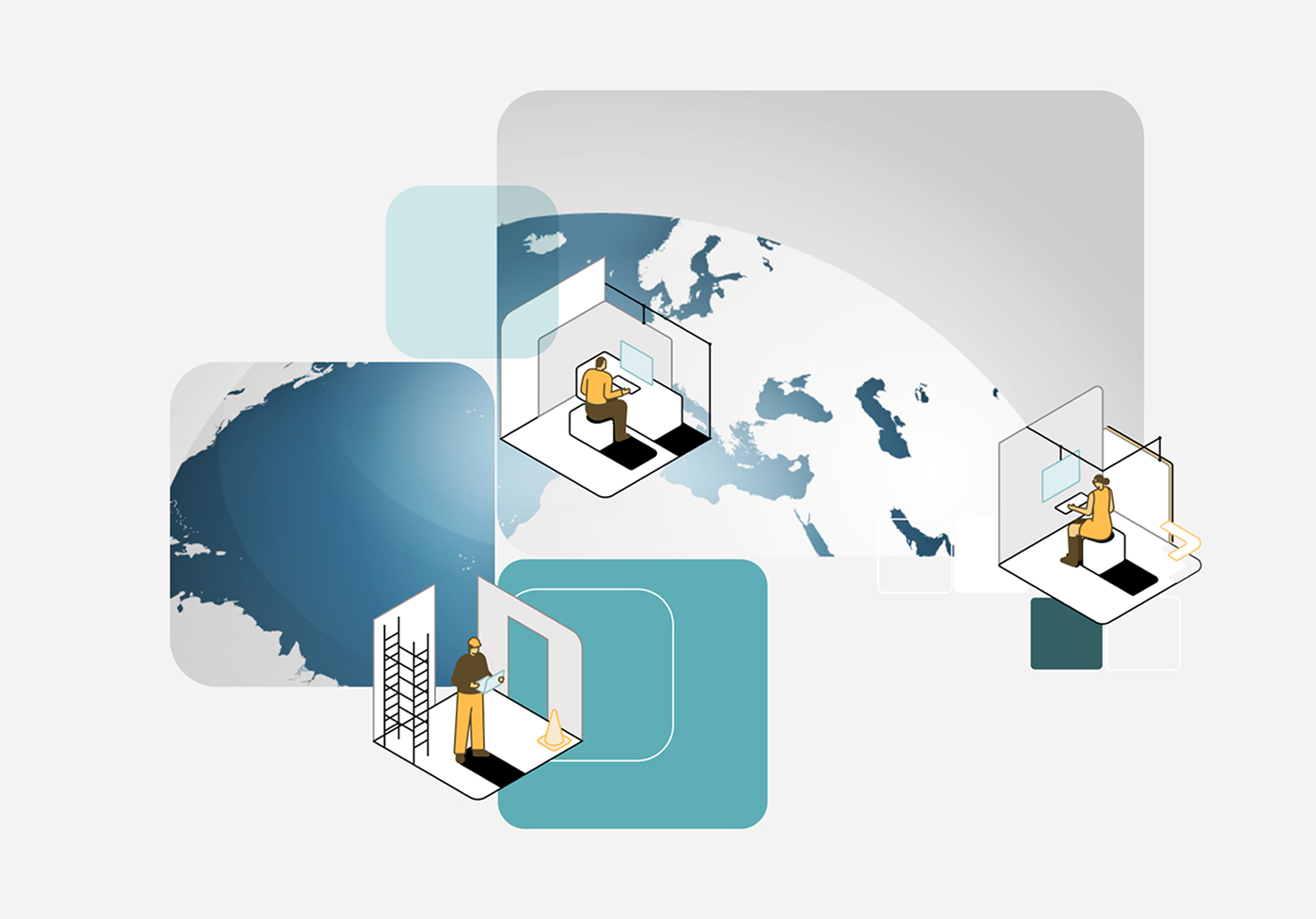
Empowers distributed teams to work together in real time, regardless of location.


What is BIMcloud?
BIMcloud supports cross-disciplinary design and construction teams with:
-
 Real-time model collaboration across locations using Archicad’s Teamwork workflows
-
 Smart data sync (Delta Server™) to minimize network load and improve responsiveness
-
 Offline work support—edit reserved elements even when disconnected
-
 Browser-based BIMcloud Manager for centralized administration and user access control
Streamline multi-project upgrades
Upgrade multiple Archicad Teamwork projects with the Teamwork Multiproject Migration Tool in one automated workflow, reducing migration effort and risk while helping teams benefit from the latest Archicad features, performance improvements, and fixes.
Getting started

Work beyond boundaries
BIMcloud closes the gap between the home, office, construction site, and project stakeholders — regardless of location or software used.

No up-front investment
Getting started with BIMcloud SaaS is fast, easy, and affordable. Start sharing your projects in the cloud right away — without any additional investments in hardware.

No IT experience necessary
No IT experience on staff? No problem! BIMcloud SaaS is so easy to use, no IT experience is necessary for quick and secure file sharing in the cloud.

Works fast with any internet connection speed
The secret is in our patented Delta Server technology! Only the changes are synced, so BIMcloud works fast even when all you’ve got is a low-bandwidth internet connection.

Public links
Send secure public links from BIMcloud SaaS, allowing external stakeholders to easily browse and download content—no login required.

Flexible choices
Scale up or down as your workload demands and pay as you go, so that your BIMcloud SaaS subscription matches your practice’s specific needs.

Gothenburg, Sweden
reflexark.se
Photo: © Anton Adielsson
Kineum
“We’re using the Archicad Teamwork function. It’s terrific to have everyone on the same platform and in the same environment.”

Collaborate

Keep design conversations in context
Use BIMcloud messaging to discuss ideas, questions, and decisions where the project work happens — helping teams understand, align, and move faster.

Stay connected from anywhere with BIMx
Send model-based feedback to Archicad and MEP Designer from your mobile while on the go, resolve issues faster, and unlock PRO features for teamwork through BIMcloud.

Coordinate projects with confidence
Collaborate with teams and coordinate projects no matter the size with advanced permission control, Reservation Assistant, and Intelligent Project Libraries.
Work fast with your team
Pick up the pace on large project files thanks to multi-site optimization with BIMcloud Delta Cache technology.

Share project files
Publish and upload models, drawings, and project files directly to BIMcloud, keeping multidisciplinary teams coordinated and working from shared information.

Join Teamwork from your application
The BIMcloud API makes it easy to access hosted files — manage, upload, and download files directly from other software applications.

Bratislava, Slovakia
sieberttalas.com
Photo: © Siebert + Talaš
Nivy Centrum
“Using BIMcloud and Teamwork has always been fantastic.”

Security

Multi-factor authentication
Protect sensitive data and intellectual property with BIMcloud SaaS security features, including multi-factor authentication and stronger password controls.

Automated change-tracking
Stay in the loop by subscribing to real-time project change notifications that are easy to find and manage.
Advanced team and project management
Manage a large team of architects and engineers by controlling their project access from a central location in BIMcloud.

Advanced permission system
Set up team roles and responsibilities quickly and easily by creating groups with specific access permissions.
Link directly from BIMcloud
Access hotlink models, access SAF and BCF files, and external drawings in Archicad directly from BIMcloud.

File hosting
Host files of any type, like SAF and BCF — and anything else that’s important to the project — site photos, manufacturer catalogs, building permits, and more!
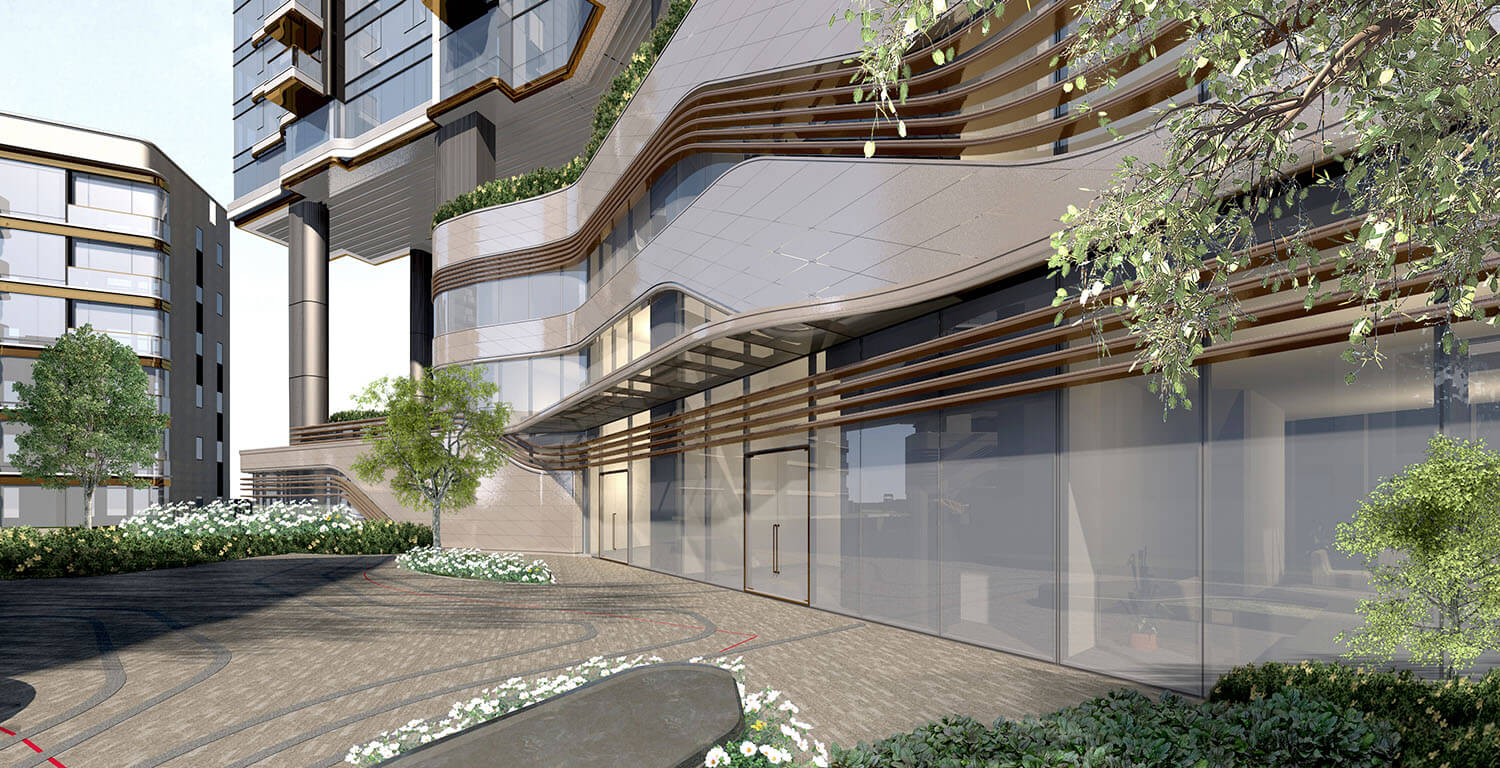
Hong Kong
www.lwkp.com
Photo: © LWK + Partners
Residential Tower
“We set up our BIM platform to help us manage and support our internal and external collaboration tasks.”

Feature comparison
BIMcloud Basic
BIMcloud
BIMcloud Software as a Service
Basic teamworking
Collaborate on design projects through Archicad
+
+
+
Delta technology
Send only changes through the network
+
+
+
Communicate within the project
Discuss specific issues within the project
+
+
+
Basic permission system
Individual permission settings for each project
+
+
+
Work through WAN
Work in teams using wide area network
–
+
+
Support more Archicad versions
Use different versions of Archicad for different projects on the same BIMcloud.
–
+
+
Advanced teamworking
Reservation assistant, intelligent project libraries
–
+
+
BIMx PRO license and communication
BIMx PRO features with integrated messaging for all projects
–
+
+
BIMx Web Viewer
Open Hyper-models in BIMx Web Viewer integrated to BIMcloud’s browser interface.
–
+
+
Advanced permission system
Hierarchical permission definition with inherited settings
–
+
+
User directory integration
Connect your office user directory for easier access management
–
+
–
Multi-site optimisation with BIMcloud Delta Cache
Speed up remote team’s work by saving on network bandwidth
–
+
+
Change tracking
Stay in the loop by subscribing to changes of interest and get notified real-time in Archicad
–
+
+
Advanced team and project management
Multi-level folder structure and advanced group or team level permissions for better project organization
–
+
+
Multi-disciplinary model hub
Keep everyone in sync by publishing and uploading models, drawings and any other files directly to BIMcloud
–
+
+
Link directly from BIMcloud
Hotlink models, access SAF and BCF files and external drawings in Archicad directly from BIMcloud
–
+
+
BIMcloud API
Connect your application to BIMcloud for easy access to hosted data: manage, upload, download directly from other tools
–
+
+
File Hosting
Host files of any type
–
+
+
Automatic Scaling
Increased hardware and storage when it’s needed
–
–
+
No up-front investment
Hop on, hop off as your projects require it
–
–
+
Zero IT
The system is managed by Graphisoft – no need to invest in additional IT solutions
–
–
+

Kyiv, Ukraine
archimatika.com
Photo: @Name
Comfort town
“A process that recognizes and unites all stakeholders’ interests will result in outstanding projects.”

Resources to get you started


Get the most out of BIMcloud



Start strong with Archicad Collaborate
Design, collaborate, and coordinate effortlessly with Archicad Collaborate, bringing Archicad, BIMcloud, BIMx, and MEP Designer together.
Got more questions?
Getting started
BIMcloud is Graphisoft’s server-based co-authoring solution for hosting Archicad and MEP Designer Teamwork projects, libraries and related files, allowing teams to work together on the same BIM model simultaneously. It provides secure, centralized storage, versioning, and access control, helping distributed design teams maintain a single source of truth for every project.
- BIMcloud Basic is the free entry-level edition for core Archicad and MEP Designer Teamwork features, supporting projects and libraries for a single version on your own hardware.
- BIMcloud and BIMcloud SaaS (hosted by Graphisoft), add multi-version support, advanced roles and permissions, scalability, and greater control over external content access and management.
With BIMcloud, any number of team members can connect to the same Archicad and MEP Designer project, reserve elements, and send/receive changes in real time, even across different offices or remote locations, as well as track changes and compare models. This reduces file-based coordination overhead, minimizes version conflicts, and lets architects, engineers, and consultants collaborate on a single coherent model.
BIMcloud is designed as a secure co-authoring platform, supporting encrypted communication and granular user-, role-, and project-level permissions, so you can control who sees and edits what. With BIMcloud SaaS, external partners can be invited via secure accounts or links, enabling cross-disciplinary collaboration without exposing your entire internal network.
Yes. As long as you have Archicad or MEP Designer, your BIMcloud address, and a reliable internet connection, you can work on your Teamwork projects from home or another office. Your changes are sent to BIMcloud over the internet, allowing colleagues to see your updates as if you were in the same studio. Even without a continuous connection, you can keep working: offline mode, pre-reservation, and travel packages let you continue your tasks and sync your changes later when you reconnect.
You install BIMcloud Basic and BIMcloud with the free installer, and you “install” BIMcloud SaaS by setting up your cloud domain and subscription—but BIMcloud will not work as a design tool on its own without Archicad or MEP Designer.